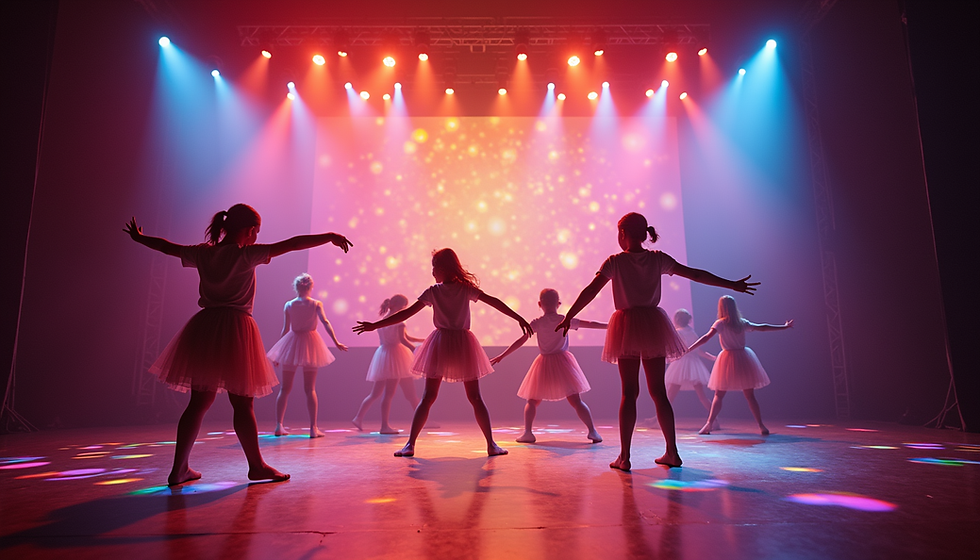
Beyond the Backdrop: Teaching Scenic Storytelling with Projection


A projected image can replace a painted backdrop, but that is only the beginning of what projection can do in educational theatre. Used thoughtfully, digital scenery becomes a design tool students can analyze, shape, cue, and operate as part of the storytelling process.
The key is to teach projection the same way we teach every other theatrical discipline: start with the story.
Start with the script, not the screen
Before searching for an image or opening design software, ask students to identify what the scene needs to communicate. Where are we? What time is it? What has changed since the previous scene? What should the audience feel before an actor says a word?
“Castle” is not a complete design choice. Is it welcoming, oppressive, magical, decaying, or enormous? The strongest projected scenery reflects the director’s concept and the emotional world of the characters, just as a physical set would.
Design the transitions, too
Digital scenery gives designers unusual freedom between locations. Instead of treating each scene as a separate slide, students can think about how one world becomes another.
A sunset can progress during a scene. Snow can begin gradually. Windows can glow as night falls. A moving landscape can suggest travel while actors remain in place. These choices make transitions part of the storytelling rather than something that happens only during a blackout.
Teach projection and lighting together
Projection and stage lighting share the same visual space, which makes collaboration essential. A bright wash on the projection surface can weaken an image, while an overly dominant projection can pull focus from the performers.
Give student lighting and projection teams time to work together under actual show conditions. Let them compare looks, adjust intensity and color, and discuss where the audience’s eye should go. That process teaches something more important than any single cue: design departments do not work in isolation.
Give students more than a “GO” button
Operating projections can be a meaningful technical-theatre assignment. Students can organize media, build cue lists, test aspect ratios, troubleshoot signal paths, adjust timing, and coordinate projection cues with lighting, sound, scenery, and performers.
Students interested in photography, animation, filmmaking, graphic design, or computers may also discover a new entry point into theatre through projection design.
Use technology with purpose
Projection does not need to replace every piece of physical scenery. Often, the most effective design combines practical set pieces with a larger digital environment. A doorway, platform, table, or staircase gives performers something tangible to interact with while projections expand the world beyond what a school stage could physically build.
The goal is not to make an audience notice the technology. It is to make the story clearer, richer, and more theatrical.
When students learn to make those choices intentionally, projection stops being a backdrop and becomes another language of stage design.