


Crafting Immersive Experiences with Immersive Stage Projection

Creating memorable theatrical experiences requires more than just a compelling script and talented actors. The visual environment plays a crucial role in transporting audiences into the world of the play. Immersive stage projection has become an essential tool for schools, universities, and community theaters looking to elevate their productions. It offers a dynamic way to transform sets, enhance storytelling, and engage viewers without the high costs of traditional scenic design.
Unlocking the Potential of Immersive Stage Projection
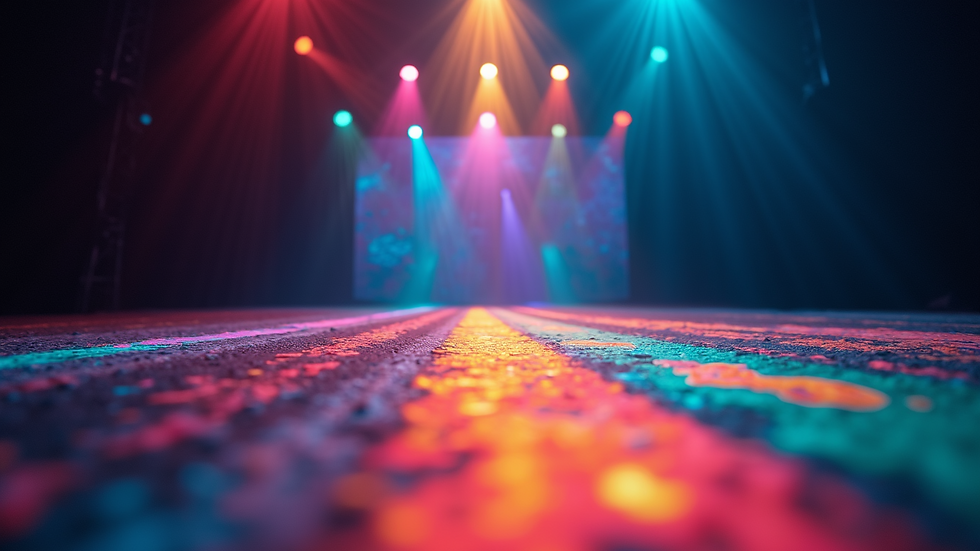
Immersive stage projection uses digital projectors to cast images, videos, and animations onto surfaces such as backdrops, floors, and props. This technology allows for rapid scene changes and the creation of environments that would be difficult or expensive to build physically. For educational and community theaters, this means more creative freedom and the ability to produce visually stunning shows on a budget.
Some practical benefits include:
Flexibility: Easily switch between scenes or moods without physical set changes.
Cost-effectiveness: Reduce expenses on materials and labor for building sets.
Space-saving: Ideal for venues with limited backstage or storage areas.
Customization: Tailor visuals to fit the unique needs of each production.
For example, a university production of A Midsummer Night’s Dream can use projections to create magical forests, shifting skies, and glowing fairy lights, all controlled from a laptop. This approach not only saves time but also allows for creative experimentation.

How to Integrate Immersive Stage Projection Effectively
To make the most of immersive stage projection, consider these practical steps:
Assess Your Venue: Understand the size, shape, and surface materials of your stage. Smooth, light-colored surfaces work best for clear projections.
Choose the Right Equipment: Select projectors with sufficient brightness (measured in lumens) to compete with stage lighting. Portable and easy-to-use models are ideal for schools and community theaters.
Plan Your Content: Collaborate with your creative team to design visuals that complement the narrative. Use software that allows for real-time adjustments during rehearsals.
Test and Rehearse: Schedule time to test projections in the actual performance space. Adjust angles, focus, and brightness to ensure clarity and impact.
Train Your Team: Provide basic training for operators and stagehands to handle the technology confidently.
By following these steps, theaters can avoid common pitfalls such as washed-out images or misaligned projections, ensuring a seamless integration into the production.
What is another name for projection design?
Projection design is sometimes referred to as video scenic design or digital scenic design. These terms emphasize the use of digital media to create scenic elements traditionally built with physical materials. Regardless of the name, the core goal remains the same: to enhance storytelling through visual environments created with projected imagery.
This approach has gained popularity as technology has advanced, making it accessible to smaller theaters and educational institutions. It bridges the gap between traditional scenic design and modern multimedia, offering new creative possibilities.
Practical Tips for Creating Impactful Visuals
When designing projections, keep these practical tips in mind:
Simplicity is Key: Avoid overly complex visuals that can distract from the performance. Use clear, bold images that support the story.
Consider Lighting: Coordinate with your lighting designer to ensure projections are visible without overpowering actors.
Use Layering: Combine projections with physical set pieces to add depth and texture.
Incorporate Movement: Subtle animations or transitions can bring scenes to life without overwhelming the audience.
Test Visibility: Check how projections look from different audience angles to ensure everyone has a good view.
For instance, a community theater staging The Wizard of Oz might project the yellow brick road winding across the stage floor, while physical props like trees and houses add dimension. This blend creates a richer, more immersive experience.
Partnering with Technology Providers for Success
Choosing the right partner for your projection needs is crucial. Companies like SLShowTech specialize in affordable and customizable scenic projections and stage equipment tailored for schools, universities, and community theaters. Their solutions focus on making advanced stage technology accessible without compromising quality.
When selecting a provider, consider:
Customization Options: Can the equipment and content be tailored to your specific production needs?
Support and Training: Does the company offer guidance to help your team get up to speed?
Budget-Friendly Solutions: Are there scalable options that fit within your financial constraints?
Reliability: Look for proven products with positive reviews from similar organizations.
By working with a trusted partner, theaters can confidently incorporate immersive stage projection into their productions, enhancing storytelling and audience engagement.
Immersive stage projection is more than a trend - it is a practical, creative tool that empowers theaters to tell stories in new and exciting ways. With thoughtful planning, the right equipment, and a collaborative approach, schools, universities, and community theaters can craft immersive experiences that captivate audiences and elevate their productions. Embracing this technology opens doors to endless creative possibilities while respecting budget and resource limitations.
